Plugging the Leaky Bucket
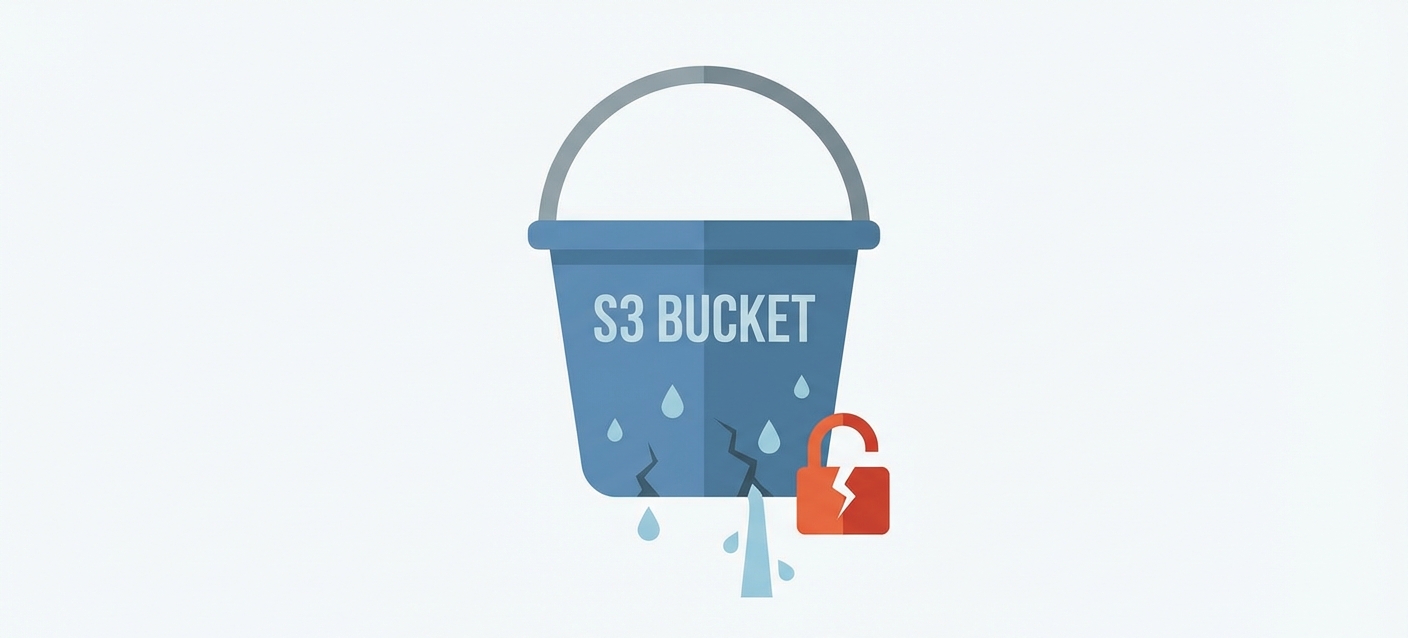
In March 2025, a health tech firm called ESHYFT left an S3 bucket wide open, exposing 108 gigabytes of nurses’ personal data. A month earlier, WebWork exposed 13 million screenshots of employee desktops. Same cause: misconfigured bucket.
I’ve audited enough AWS accounts to know these mistakes aren’t rare. In fact, it’s often the same errors over and over. Here are the four that matter most, and how to fix them.
1. Public Access Enabled#
AWS introduced Block Public Access (BPA) as a kill switch for S3 exposure. Unlike bucket policies, which can be misconfigured one bucket at a time, BPA operates at the account level and overrides everything below it. Even if someone attaches a permissive policy to a bucket, BPA blocks public access anyway.
Enable it at the account level, not just individual buckets:
aws s3control put-public-access-block \
  --account-id $(aws sts get-caller-identity --query Account --output text) \
  --public-access-block-configuration \
    BlockPublicAcls=true,IgnorePublicAcls=true,BlockPublicPolicy=true,RestrictPublicBuckets=true
While you’re at it, disable ACLs entirely by setting “S3 Object Ownership: Bucket Owner Enforced” on every bucket. ACLs are a relic from before IAM existed. The checkbox labeled “Authenticated Users” doesn’t mean your organization. It means anyone with any AWS account. Thousands of breaches trace back to this single misunderstanding.
2. Hardcoded Credentials#
Attackers run bots that scan every GitHub commit for strings starting with AKIA. When they find one, they test it within minutes. If the key has S3 access, they enumerate your buckets and start downloading. If it has broader permissions, they spin up crypto miners or pivot deeper into your infrastructure.
Stop using access keys. EC2, Lambda, ECS, EKS: they all support IAM roles. When you assign a role to an EC2 instance (via an instance profile), the instance gets temporary credentials that rotate automatically. No keys to leak, no keys to rotate manually.
If you genuinely need long-lived access keys (some CI systems, third-party integrations), treat them like passwords: rotate regularly, scope permissions to the minimum required, and use git-secrets or a pre-commit hook to block accidental commits.
3. IMDSv1#
This is an EC2 issue, but it shows up in an S3 post because it’s one of the most common ways attackers get S3 access in the first place.
Every EC2 instance can query a metadata service at 169.254.169.254 to retrieve information about itself, including the temporary credentials for its IAM role. If your application has an SSRF vulnerability, an attacker can trick your server into making that request and returning the credentials. From there, they have whatever S3 access that role has.
This is how Capital One lost 100 million records in 2019. The WAF had an SSRF bug. The attacker used it to grab role credentials from the metadata service. Those credentials had access to S3. Game over.
IMDSv2 fixes this by requiring a session token. The attacker can’t get the token through a simple SSRF because it requires a PUT request with a custom header, which most SSRF vulnerabilities can’t produce.
Enforce IMDSv2:
aws ec2 modify-instance-metadata-options \
  --instance-id i-1234567890abcdef0 \
  --http-tokens required \
  --http-endpoint enabled
4. No Versioning#
In January 2025, a ransomware group called Codefinger started targeting S3 directly: compromise credentials, encrypt bucket contents using SSE-C with their own key, delete the unencrypted originals, demand payment for the decryption key.
Versioning is your undo button. With it enabled, every overwrite or delete creates a new version instead of destroying data. Even if an attacker encrypts your files, the old versions remain. You can roll back.
Object Lock goes further. In Compliance mode, objects are immutable for a retention period you define. Nobody can delete them, not even the root account. For backups and audit logs, this is essential.
Enable versioning on any bucket where data loss would hurt. For critical backups, enable Object Lock in Compliance mode with a retention period that matches your recovery requirements.
Preventive Guardrails: SCPs#
The fixes above work, but they rely on people remembering to apply them. Every new account, every new instance, every new bucket. People forget. People leave. New engineers don’t know the rules yet.
Service Control Policies (SCPs) flip the model. Instead of hoping everyone does the right thing, you make the wrong thing impossible. SCPs are guardrails enforced at the AWS Organizations level. They apply to every account in your organization (or specific OUs), and they override IAM permissions.
Use SCPs when:
- A misconfiguration would be catastrophic (like disabling BPA)
- You need to enforce a baseline across many accounts
- You don’t trust every account admin to follow policy
Attach SCPs to the organization root if you want them everywhere, or to specific OUs if you need exceptions (like a sandbox OU for experimentation).
Prevent disabling Block Public Access:
{
  "Version": "2012-10-17",
  "Statement": [{
    "Sid": "PreventBPAChanges",
    "Effect": "Deny",
    "Action": ["s3:PutAccountPublicAccessBlock", "s3:DeleteAccountPublicAccessBlock"],
    "Resource": "*"
  }]
}
Enforce IMDSv2 on all new instances:
{
  "Version": "2012-10-17",
  "Statement": [{
    "Sid": "RequireIMDSv2",
    "Effect": "Deny",
    "Action": "ec2:RunInstances",
    "Resource": "arn:aws:ec2:*:*:instance/*",
    "Condition": { "StringNotEquals": { "ec2:MetadataHttpTokens": "required" } }
  }]
}Checklist#
- Block Public Access enabled (account level)
- ACLs disabled (Bucket Owner Enforced)
- IAM roles instead of access keys
- IMDSv2 enforced
- Versioning on critical buckets
- SCPs preventing drift
ESHYFT’s bucket was public for months before anyone noticed. It wasn’t caused by hackers. It was caused by defaults.
Related: Hosting a Static Website on a Private S3 Bucket shows how I put these principles into practice.
So the best advice I can give you: go check your Block Public Access settings. Right now.